
What is LocalMind?
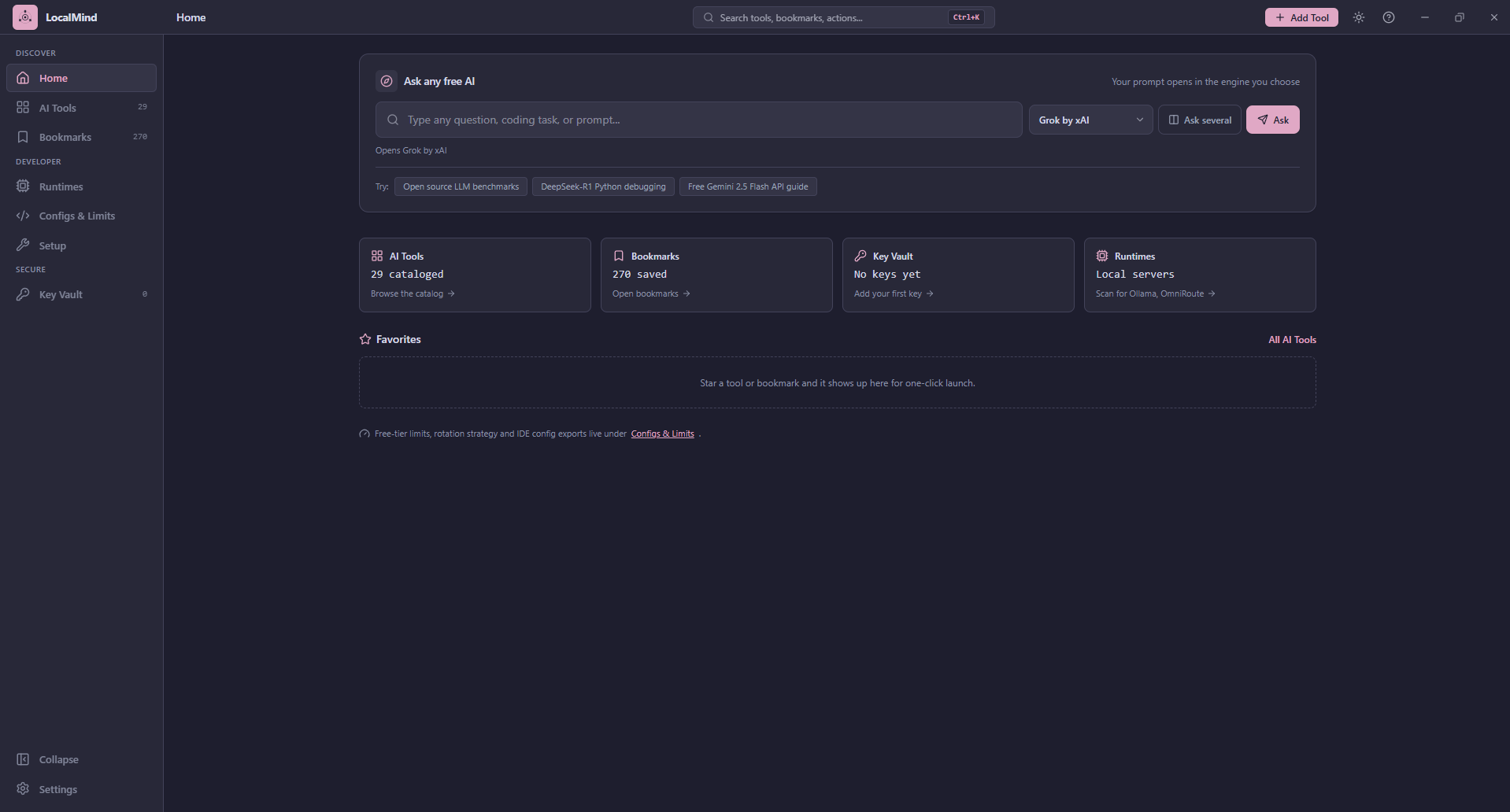
LocalMind (pronounced LOH-kul-MYND) is a desktop app for Windows, macOS and Linux. It puts three things in one window:
- A catalog of free AI tools. Chatbots, coding agents, design tools and local runners, each labeled with what its free tier really gives you.
- A view of your own machine. It checks whether local AI servers such as Ollama or LM Studio are running, and can install a few free tools for you.
- A vault for your API keys. Keys are encrypted on disk, and you can check that each one still works.
Who it is for
Anyone who wants to use AI without paying for it, from someone who just wants to know which chatbot is free today to a developer wiring free API keys into an editor. The Developer pages (Runtimes, Configs and limits, Setup) are grouped apart in the sidebar, so you can ignore them until you need them.
What it does not do
- It is not an AI model and does not answer questions itself. It opens the AI you pick.
- It does not collect or send your data anywhere. There is no account and no telemetry.
- It cannot show answers from several chatbots side by side. Web chatbots do not allow that, so "Ask several" opens each one in your browser.
- It does not track how much of a free quota you have used. The limits it shows are reference data, reviewed by hand.
Where to go next
- Install LocalMind, including what to do about the unsigned-installer warning.
- Take the quick tour of every page.
- Read Privacy and security to see exactly what is stored and what leaves your computer.
Status
LocalMind is in beta. It has been run on Windows and macOS, including the Setup page, though not every feature has been checked on each. The Linux installers are built automatically but have not been run on a real machine yet. Expect rough edges and please report them.